
Creating a Page
Here we will tell you how to add a page to your site.

To begin, go to the "Pages" menu and click on to create a new page. Now you can choose the page type that suits your site. Select one of the suggested options:
- Page - this is a standard page where you can add any blocks and customize the design to your liking.
- Product catalog - this is an online store page where all your products will be displayed.
- Product category - this is a page that leads to a specific product category, for example, "T-shirts". You can add categories in the "Store - Categories" menu by clicking on .
- Product - this is a page where you can add information about a specific product from your catalog.
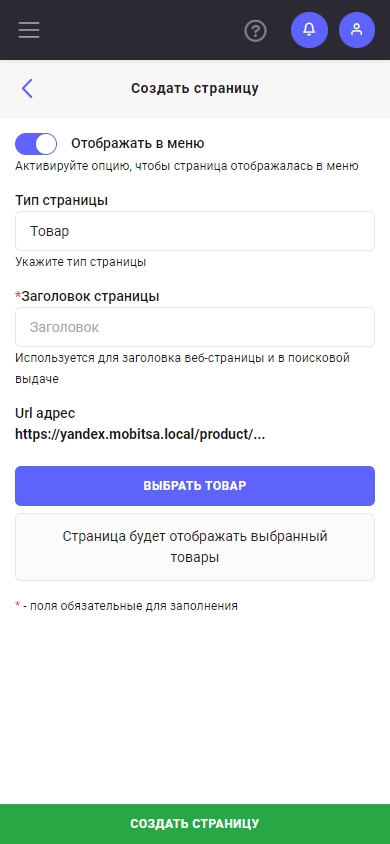

Then enter the page title, which will be displayed in the page list and in the menu on your site. You can also enter the page URL manually, or it will be generated automatically.
In addition, you can use the "Show in menu" toggle option to enable or disable displaying the page in the menu.
We hope this instruction will help you add a new page to your site.